Field execution
The visit is unverified, the route is incomplete and the outcome cannot be explained.
GPS evidence · check-in · route compliance
SFA · DMS · RETAIL EXECUTION FOR FMCG
Automate FMCG distribution: manage field sales, orders, stock and receivables in one system.Field sales, orders, stock and receivables in one system.
Process review · 30 minutes
Illustrative scenario
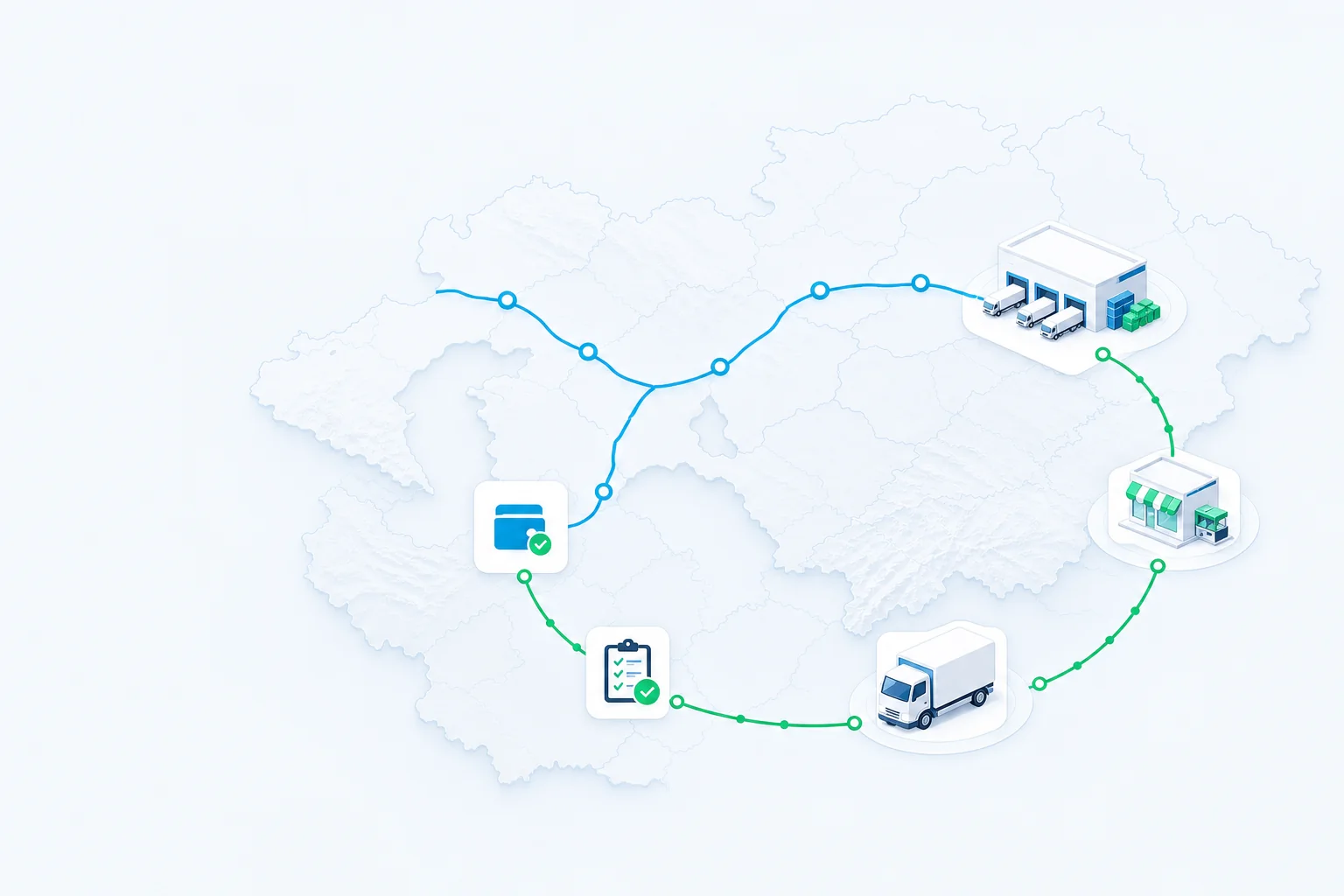
01 / 04Visit
Visit confirmedThe gap appears after planning: each area has an owner, but the entire business pays for delays.
The visit is unverified, the route is incomplete and the outcome cannot be explained.
GPS evidence · check-in · route complianceOOS, price and promotion deviate from the standard, so lost sell-out is detected too late.
Photo · OSA/OOS · Perfect StoreThe order reaches dispatch before overdue receivables, credit limit and promise-to-pay are checked.
DSO · aging · credit controlSell-in is visible, while sell-out and distributor stock remain a black box.
Sell-out · distributor stock · active outletsEach workstream closes a distinct loss area and can scale in stages. Master data, roles and analytics remain shared.
SFA · FIELD SALES
OwnersCommercial director · Supervisor
GPS, check-in, required steps, photos and outcomes are captured even without connectivity.
The workstreams operate independently while sharing customer, outlet and SKU master data and one analytics layer.
DISTRIBUTION GROUP CONTROL
Unify owned branches and independent distributors in one management model. Compare primary and secondary sales, inventory, orders and receivables by country and portfolio, then drill any variance down to contract, SKU and outlet.
MANAGEMENT GEOGRAPHY
Sales, stock and receivables come together in a shared data model.
Illustrative scenarioSales, stock and receivables across countries
Source matching and data completeness
One model for distribution management
Select a country on the map
ORDER CHANNEL AND CASH CYCLE
Telegram captures demand where customers already work, while Finance & AR applies the same contracts, prices, stock and credit rules from order through payment.
B2B CHANNEL
The outlet sees its catalogue, prices and promotions, repeats an order and receives status updates without calling an operator.
FINANCE & AR
Receivables, aging and available credit are checked before confirmation; payments and promised payment dates help determine the next action.
Start with the distribution decision you are accountable for.
Compare the plan with execution from the group down to outlet and SKU.
Net sales · execution gaps · risk exposureChoose the next action on coverage, outlet activity and OSA.
Coverage · outlet activity · next actionWork through order flow, inventory and distributor-network service.
Secondary sales · inventory · serviceReview ageing and credit limits before shipment.
DSO · ageing · overdue AR · limitsSet the ERP boundary, data exchange, access and audit.
Data quality · exchange · access · auditSmartup connects the agreed plan to route, visit, shelf, order, delivery, payment and the next management action - integrated with an existing ERP or using the native Smartup ERP core for the agreed project scope.
Platform: SFA, FIN, B2B Marketplace and POSAn existing ERP keeps its agreed accounting and/or master-data role, while Smartup manages the agreed distribution-execution scope and exchanges documents, identifiers and statuses within the project.
Explore integrationsSmartup combines distribution execution and ERP/accounting for the agreed project scope; country requirements, accounting policy, opening balances, integrations and migration boundaries are set during implementation.
Discuss implementationAn exception or signal becomes a task with an owner, due date and evidence; verification closes the result and returns it to the next management cycle.
Integration
Smartup fits into your existing IT landscape, synchronizing master data, prices, inventory, orders, payments and statuses through APIs and governed exchange schedules.
The project integration map defines the scope and direction of each data flow. With an existing ERP, that system keeps its agreed accounting and/or master-data role; with the native Smartup ERP core, Smartup covers the agreed ERP scope.
Customers and outlets, SKU, prices, stock, contracts and credit rules remain in the system of record.
Routes, visits, shelf execution, orders, delivery and collection run in one operational layer.
Execution facts, document status, secondary sales, payments and AR return within the agreed project scope.
Master data, prices, stock, contracts and credit rules.


Management analytics, data marts and governed data flows.


Traceability, e-invoicing and mandatory local operations.
Payments, self-ordering and last-mile fulfilment services.

KPIs are measured against your baseline. A first production scope can go live in as little as four weeks, depending on modules, integrations and data readiness.
Establish baseline metrics for the selected execution loop before making changes
Define the territory, roles, data and first execution workstream
Compare 3–5 agreed KPIs with the baseline
Scale only after the outcome is validated
Where to start, how long launch takes and how impact is proven.
The first production-ready scope can go live in as little as four weeks. The timeline depends on three things: how many workstreams you launch at once, which integrations your accounting or ERP system requires, and the quality of customer, outlet and SKU master data. A solution covering several thousand outlets is rolled out in stages; the overall timeline is defined after reviewing the project scope.
Pricing combines a base subscription, user licenses and the modules you activate. Implementation - configuration, integrations and team training - is scoped separately. The final configuration depends on field-team size, selected workstreams and integration depth, so we calculate it after reviewing your process.
The ERP boundary, data exchange and offline field execution.
You can keep it. Smartup supports two project models: integration with an existing ERP, which retains its agreed accounting and master-data responsibilities, or the native Smartup ERP core for the agreed distribution scope. In both models, data ownership, exchange direction and synchronization frequency are fixed in the project integration map.
The field-sales app works without an internet connection: visits, GPS data, required steps and shelf photos are stored on the device. When connectivity returns, records are synchronized with their event order and timestamps. Until then, new records are available on the employee’s device.
Multiple distributors, portfolios, access and data residency.
Yes. Smartup supports a governed hierarchy from group and country to legal entity, branch or distributor, warehouse and territory. Management sees consolidated KPIs and can drill down to a distributor, outlet, order or debt item. Access is role-based; in the existing-ERP model, each participant’s system keeps its agreed role.
Data is hosted in Tier III data centers. Clients in Uzbekistan can choose in-country hosting in line with personal-data requirements. On-premise deployment inside your environment is also available when required by security policy. Role-based access is enforced and every action is written to an audit log.
We trace the flow from plan to payment, expose the gaps between plan and execution, and define the first pilot workstream. No generic slide deck - we work with your processes and data.
You leave with a decision on where to start the pilot and how its impact will be measured.
Leave your details. A Smartup specialist will confirm the time and prepare for your distribution scenario.
We respond within one business day. Or contact us directly:
+998 (71) 200-88-33sales@smartup24.com
 Illustrative scenario
 One Smartup data model

